




I used to download far too many traveling apps before a trip. Most stayed untouched. After several domestic and international trips, I noticed that the same small group kept solving the problems that actually mattered: finding my way around, keeping reservations organized, communicating, getting online, translating unfamiliar words, managing money, and figuring out local transportation.
The biggest lesson was simple: I did not need 30 travel apps. I needed the right six to ten for that particular trip.
Google Maps normally handled everyday navigation. Google Translate became much more useful once I remembered to download the language before leaving reliable Wi-Fi. On international trips, an eSIM made arrivals easier, while apps such as Rome2Rio, XE Currency, WhatsApp, and TripIt became useful only when the itinerary called for them.
Below are the traveling apps that earned space on my phone, the ones I used only for certain trips, and the preparation steps that saved me the most trouble.
Which Traveling Apps Do You Actually Need?
For most trips, I built my phone setup around seven basic needs:
- Navigation
- Flights and accommodation
- Itinerary organization
- Local transportation
- Translation and communication
- Mobile internet
- Money and expenses
Everything else was optional.
This was the basic app stack I found most practical:
| App | Best For | Free Option | Offline Value | My Take |
|---|---|---|---|---|
| Google Maps | Navigation and saved places | Yes | Good for downloaded driving maps | My most-used travel app |
| Google Translate | Language barriers | Yes | Good with downloaded languages | Prepare it before departure |
| TripIt | Organizing reservations | Yes | Useful for stored trip details | Best on complicated trips |
| Skyscanner | Comparing flights | Yes | Low | Mainly useful before departure |
| Booking.com | Accommodation | Yes | Limited | Convenient for keeping stays together |
| Rome2Rio | Comparing transport options | Yes | Limited | Excellent for unfamiliar routes |
| Airalo | International mobile data | App is free; data plans cost money | Provides connectivity | Useful on compatible phones |
| Messages and calls | Yes | Needs internet | Extremely useful abroad | |
| XE Currency | Currency conversion | Yes | Limited without fresh data | Saves constant mental calculations |
| Wise | International money management | Varies by service | Limited | Useful for some international trips |
| Tricount | Splitting expenses | Yes | Features vary | Excellent for groups |
| Mobile Passport Control | Eligible U.S. arrivals | Yes | Submission requires connectivity | Worth knowing about before returning home |
I rarely needed everything in the table at once. A weekend road trip in the United States required a completely different setup from a two-week international trip.
1. Google Maps Was the Travel App I Used Most
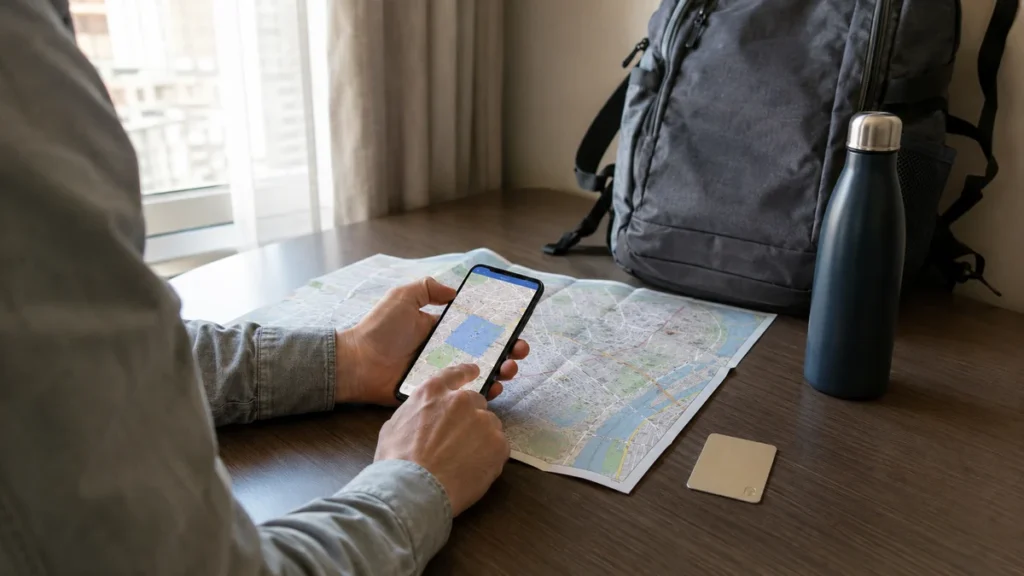
Google Maps stayed at the center of almost every trip.
I used it for more than directions. Before arriving somewhere new, I saved my hotel, airport or train station, restaurants, cafés, museums, supermarkets, and a few places I might visit if plans changed.
That turned the map into a simple visual itinerary.
One mistake I made early was assuming that having Google Maps installed meant I was prepared to navigate without mobile service. It did not.
I learned to download the destination area while I still had reliable Wi-Fi. Google allows map areas to be stored on a phone for offline use, although availability varies by country or region. One limitation is easy to miss: offline transit, cycling, and walking directions are not available in Google Maps; offline routing is mainly useful for driving.
Google Maps Help: Download and use offline maps
Downloaded maps were particularly useful when I:
- had just landed and was not connected yet;
- drove through areas with poor reception;
- wanted to conserve mobile data;
- lost service unexpectedly.
For city sightseeing on foot, I still kept my mobile connection active when possible because live directions and public transport information were much more useful online.
The habit that worked best was simple: save important places first, then download the surrounding map area.
2. Google Translate Was Better After I Prepared It Properly
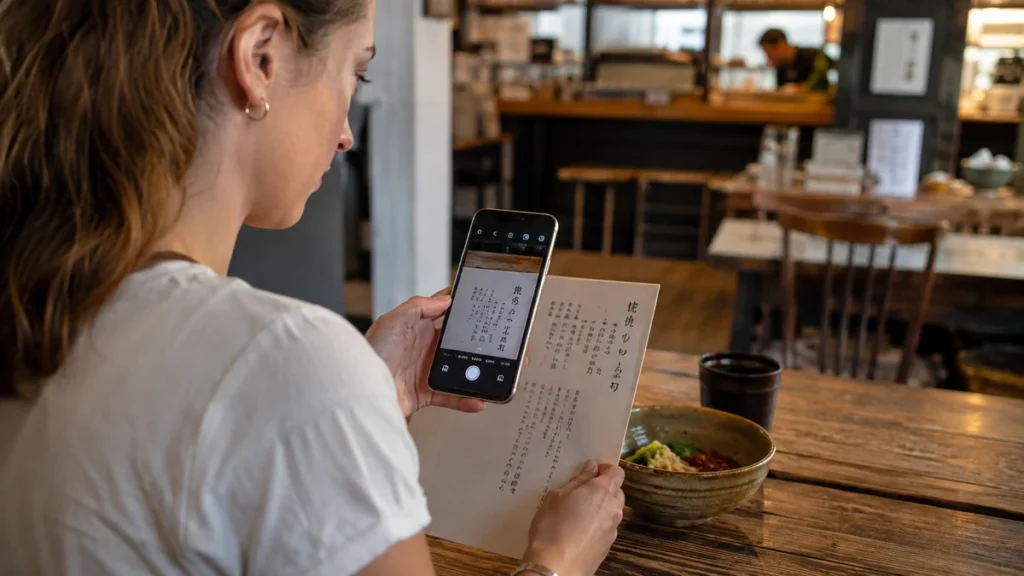
Google Translate became most useful with menus, signs, ticket machines, and short questions.
The camera feature saved time when typing unfamiliar words would have been awkward. It was not flawless. Local slang, handwritten text, unusual fonts, and food names sometimes produced odd results.
The bigger mistake was waiting until I needed translation to discover that my phone had poor service.
Once I started downloading the relevant language before departure, the app became far more dependable. Google confirms that supported languages can be downloaded for translation without an internet connection, while availability varies by language and feature.
Google Translate Help: Download languages for offline use
I normally downloaded the language at home over Wi-Fi.
It took very little effort and removed one unnecessary problem after arrival.
3. TripIt Helped When My Bookings Became Messy
TripIt made the most sense when a trip involved several moving parts.
On a simple weekend away, I did not need another itinerary app.
On a multi-city trip with flights, hotels, trains, activities, and transfers, finding confirmation details across several emails became irritating. Having the essential reservations organized into one itinerary made much more sense.
This was one of the clearest examples of an app that depended on the type of trip.
For me:
Simple trip = unnecessary
Complicated itinerary = genuinely useful
I also kept screenshots or locally saved copies of the most important reservations. I did not want one app, dead battery, or login problem to become the only place where my travel information existed.
4. Skyscanner Helped Me Compare Flights, but I Checked the Details Carefully
Skyscanner was mainly a planning tool rather than something I used throughout the trip.
It helped me compare dates, airlines, routes, and nearby airports.
The cheapest fare was not always the best deal.
I learned to look beyond the headline price and check:
- baggage allowance;
- departure airport;
- arrival airport;
- connection length;
- fare restrictions;
- separate-ticket itineraries;
- transportation costs to and from the airport.
A fare that initially looked cheaper could become less attractive once baggage fees or an expensive airport transfer were added.
For important bookings, I also checked the airline’s own website before paying.
The app was most valuable for finding possibilities, not making the entire decision for me.
5. Booking.com Was Convenient, but Location Mattered More Than a Small Saving
I liked having accommodation details in one place.
Booking information, property addresses, check-in instructions, and reservation history were easier to retrieve than searching through old emails.
Still, I never assumed the first displayed price represented the best overall option.
I compared:
- room conditions;
- cancellation policy;
- taxes and fees;
- breakfast;
- location;
- direct-booking prices where practical.
One planning mistake stayed with me: I once focused too heavily on saving money on accommodation and not enough on where the property was located.
The room was cheaper, but I spent more time traveling in and out each day.
That changed how I evaluated hotels. Saving a little per night rarely felt worthwhile if the location made every day less convenient.
6. Rome2Rio Was Excellent for Answering “How Do I Get There?”

Rome2Rio became useful when I understood where I wanted to go but did not know the most practical way to get there.
It helped me compare combinations of:
- trains;
- buses;
- ferries;
- flights;
- driving;
- other ground transportation.
I found it especially useful when traveling between places I had never visited before.
I did not treat the first timetable or price I saw as final.
Once Rome2Rio showed me which operators or transportation methods were involved, I checked the official railway, bus, ferry, or airline website before traveling.
That mattered because schedules, seasonal routes, fares, and availability could change.
Rome2Rio answered:
“What are my options?”
The official operator answered:
“What is actually running on my date?”
That distinction prevented a lot of unnecessary uncertainty.
7. An eSIM Made International Arrivals Easier
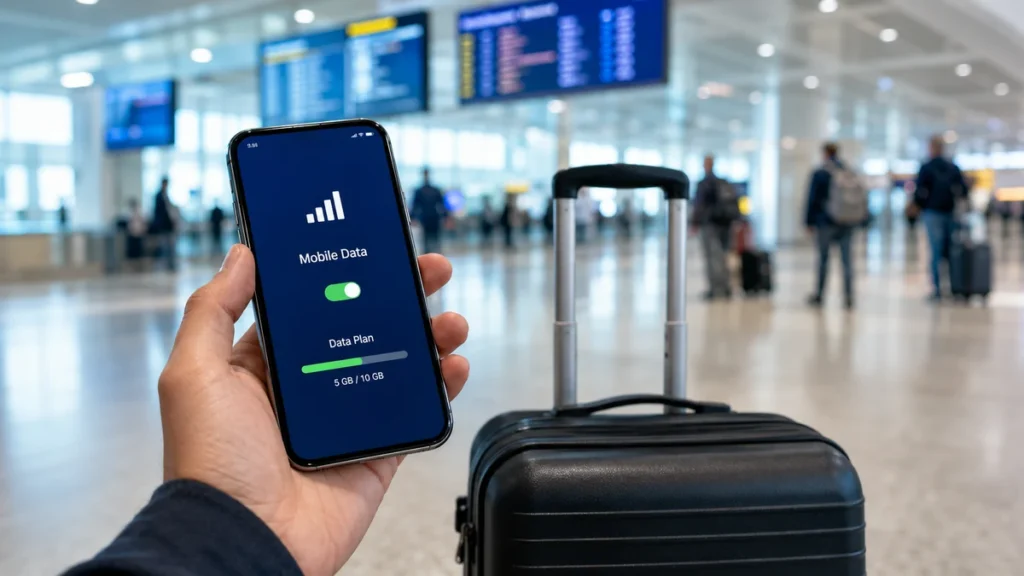
Getting mobile data after landing used to be one of the least enjoyable parts of an international trip.
After a long flight, I did not particularly enjoy looking for a SIM-card counter, comparing plans, and trying to understand activation instructions.
On a compatible, unlocked phone, an eSIM could remove much of that friction.
I used services such as Airalo as one connectivity option, but I still compared them with:
- my U.S. carrier’s roaming plan;
- local physical SIM cards;
- the amount of data I actually needed;
- the length of the trip.
Before paying, I checked:
- phone compatibility;
- whether the device was carrier-unlocked;
- data allowance;
- validity period;
- destination coverage;
- hotspot support if needed;
- whether the plan included only data or additional services.
The biggest practical lesson was to prepare the eSIM before losing reliable internet.
Trying to troubleshoot connectivity while standing in an arrivals hall was unnecessary stress.
8. WhatsApp Became One of My Most Useful International Travel Apps
I did not initially think of WhatsApp as a travel app.
In practice, I used it constantly.
Hotels, drivers, tour operators, local guides, restaurants, and other travelers often preferred it for everyday communication.
I used it to:
- confirm pickups;
- message accommodation;
- share my location;
- make calls over Wi-Fi or mobile data;
- coordinate with travel companions.
Its limitation was equally obvious: it still needed connectivity.
That made WhatsApp + reliable mobile data much more useful than either one on its own.
9. XE Currency Saved Me From Constant Mental Arithmetic
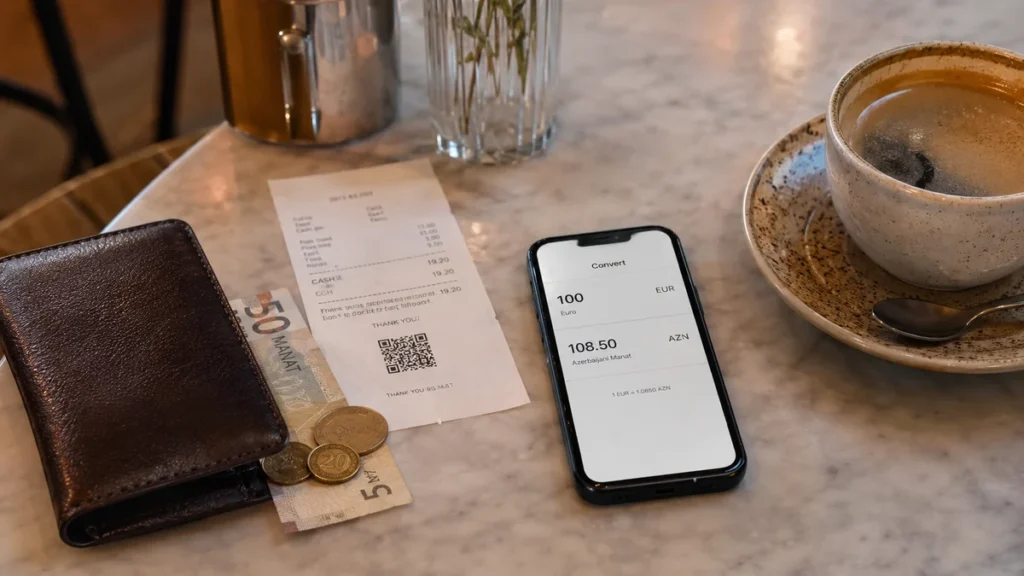
A new currency seemed simple until I had converted prices all day.
Coffee, taxis, metro tickets, museum admission, dinner, and supermarket purchases all required another quick calculation.
XE Currency reduced that mental effort.
I treated the displayed conversion as a reference rather than assuming it would exactly match what my bank charged. Card issuers, ATMs, exchange counters, and payment networks could apply their own fees or conversion rates.
I also became more careful when card terminals offered to convert the bill into U.S. dollars.
Seeing a familiar currency felt convenient, but convenience did not automatically mean a better deal.
10. Wise and Revolut Were Useful for Certain International Trips
Wise and Revolut can be useful for travelers who need multi-currency spending, international transfers, or different ways to manage foreign payments.
Neither replaced careful money planning.
Before depending on a financial app abroad, I checked:
- foreign transaction costs;
- ATM withdrawal conditions;
- exchange rules;
- supported currencies;
- card replacement options;
- local ATM charges.
More importantly, I never relied on one card.
I kept a backup payment method separately.
That proved more important than choosing the “perfect” money app. An account balance did not help much if the only physical card linked to it disappeared.
11. Tricount Made Group Travel Much Easier

Group travel produced the same small problem repeatedly.
Someone paid for a taxi. Someone else bought attraction tickets. Another person covered lunch.
After several days, nobody remembered the exact balance.
Tricount allowed us to record shared expenses and settle them later instead of dividing every bill immediately.
That made meals and transportation noticeably less tedious.
For couples, families, and groups of friends, expense splitting solved a genuine travel problem.
For solo trips, I did not need it.
That is exactly how I now judge travel apps: if the problem does not exist on that trip, I do not install an app to solve it.
12. GetYourGuide and Klook Were Useful When They Added Real Convenience
I occasionally used platforms such as GetYourGuide and Klook for tours, attraction tickets, transfers, and activities.
I stopped assuming I needed a third-party platform for every attraction.
For museums, national parks, major landmarks, and public transportation, I normally checked the official website first.
Official sources were more useful for confirming:
- opening hours;
- current ticket prices;
- closures;
- timed-entry requirements;
- accessibility;
- visitor rules.
Third-party platforms made more sense when they offered something I actually valued, such as a guided tour, convenient cancellation terms, useful transportation, or availability that fitted my schedule.
I did not pay extra simply because a listing used urgent language such as “skip the line.”
13. Maps.me, Mapy.com, and Komoot Were Better for Specific Trips
Downloading several general map apps rarely improved a normal city trip.
Google Maps handled most of those days.
Specialist maps became more valuable when I moved outdoors or away from reliable mobile coverage.
Maps.me
I found it useful when offline mapping was the priority.
Mapy.com
It gave me another option for detailed maps and outdoor routes.
Komoot
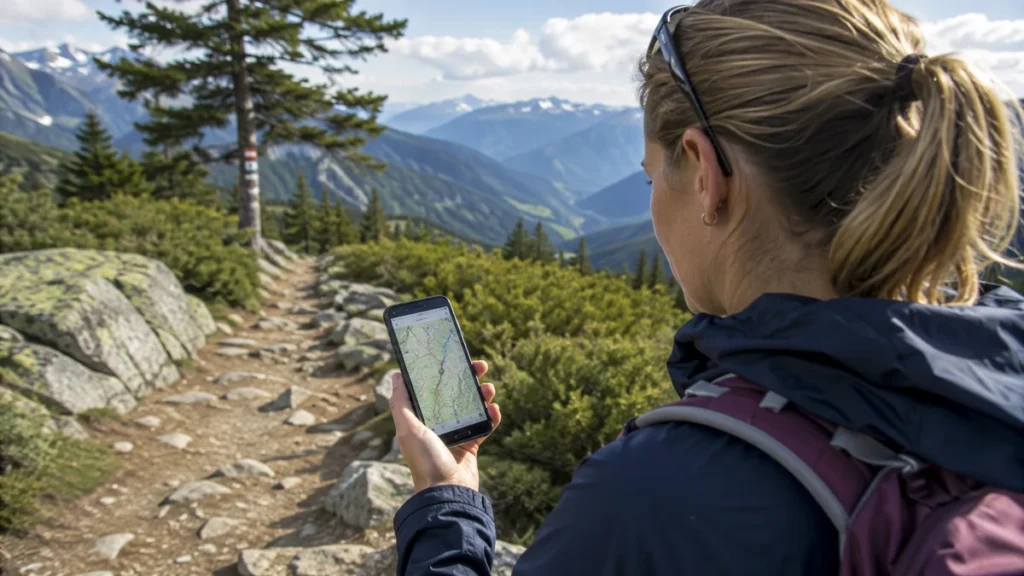
Komoot made more sense for hiking and cycling than ordinary sightseeing.
The important lesson was that not all map apps solved the same problem.
For a normal city break, one general map app was usually enough.
For hiking or remote travel, I prepared more carefully. I downloaded the route beforehand and carried a power bank because prolonged GPS use drained my battery faster than expected.
14. Local Transit Apps Sometimes Beat Global Travel Apps
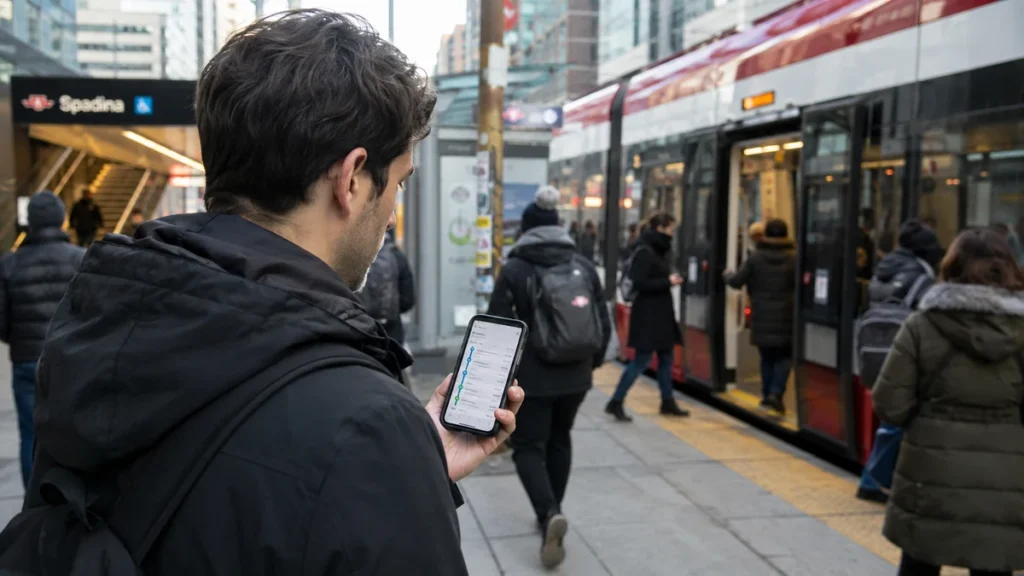
One thing that surprised me was how much navigation quality changed between destinations.
Google Maps worked brilliantly in some cities.
In others, a local public transportation app had better:
- live arrival information;
- route changes;
- service disruption alerts;
- ticketing details;
- platform information.
I eventually stopped searching for one app that could do everything everywhere.
My setup became:
global travel apps for the basics + one useful local app for the destination.
That was usually enough.
15. Mobile Passport Control Was Worth Knowing About Before Returning to the U.S.
Mobile Passport Control, or MPC, is one app U.S. international travelers can easily overlook.
It is operated by U.S. Customs and Border Protection and allows eligible travelers to submit travel document, photo, and customs declaration information through the app at participating locations. CBP describes the app as free, but eligibility and supported ports can change, so I checked the government source before relying on it.
U.S. Customs and Border Protection: Mobile Passport Control
I liked MPC because it solved one specific travel problem.
It was not trying to book my hotel, plan my itinerary, recommend restaurants, and sell me activities at the same time.
That kind of focused utility was what I increasingly looked for in traveling apps.
Traveling Apps That Work Offline
Offline functionality became much more important after I experienced patchy mobile service.
I learned that simply having an app installed did not mean the information inside it would remain available without internet access.
| Travel Need | What I Prepared Offline |
|---|---|
| Driving navigation | Downloaded destination map |
| Translation | Downloaded destination language |
| Itinerary | Saved reservation details |
| Boarding | Boarding pass stored locally or in my phone wallet |
| Accommodation | Hotel name, address, and booking number |
| Activities | Saved tickets and QR codes |
| Hiking | Downloaded trail maps |
| Emergency | Insurance and emergency contact details |
I prepared these while connected to reliable Wi-Fi rather than assuming I could sort everything out later.
One detail mattered: I never relied on an offline city map for public transportation simply because the map itself had downloaded. Live transport and walking information often still required a connection.
What I Set Up Before Leaving Home
The most effective travel-app preparation happened before the trip.
A day or two before departure, I usually worked through this list:
- Download the destination map.
- Save my accommodation and major transportation hubs.
- Download the relevant translation language.
- Prepare my eSIM if using one.
- Sign in to the airline app.
- Save boarding passes when available.
- Download attraction tickets and QR codes.
- Save accommodation addresses offline.
- Check whether the destination has a useful local transit app.
- Check my payment methods.
- Store insurance and emergency information somewhere accessible.
- Charge my power bank.
Doing these things saved me more time than downloading another five “must-have” apps.
Free vs Paid Travel Apps: What Was Worth Paying For?
Most of my essential travel functions did not require multiple subscriptions.
I paid when the benefit was obvious.
That included things such as:
- mobile data;
- tickets;
- specialist navigation;
- useful transportation;
- a premium feature I genuinely needed.
I became much less interested in paying for an app simply because it combined features already available free elsewhere.
Before starting any subscription, I also checked the renewal terms.
It was easy to subscribe during trip planning and forget about it once I returned home.
Travel Apps I Stopped Duplicating
This was the easiest way to simplify my phone.
I stopped keeping:
- several hotel apps for the same purpose;
- multiple currency converters;
- several general itinerary planners;
- three general mapping apps;
- multiple expense splitters;
- several AI itinerary tools.
One reliable app per task was normally enough.
The areas where I deliberately kept backups were money, navigation, important travel documents, and communication.
Those were the problems I least wanted to become dependent on a single app, account, or internet connection.
Were AI Travel Apps Actually Useful?
AI became useful during the planning stage, but I treated it as a starting point rather than a source of final travel facts.
I found it useful for:
- creating a rough itinerary;
- grouping nearby attractions;
- comparing possible trip structures;
- brainstorming things to do;
- making an initial packing list;
- identifying questions I still needed to research.
I was much more careful with information that could change.
Restaurants closed. Ticket prices changed. Seasonal transportation stopped running. Opening hours moved. A route that looked easy on a screen could become much less pleasant in heat, rain, heavy traffic, or with luggage.
My rule became straightforward:
AI helped me organize ideas. Official sources confirmed the details.
That was especially important for immigration rules, transportation schedules, attraction tickets, closures, and other time-sensitive information.
Travel Apps and Phone Security
Travel made my phone more important than normal.
It contained reservation information, payment apps, maps, email, tickets, photos, and sometimes copies of important documents.
That made security part of travel planning.
Before leaving, I reviewed:
- app permissions;
- location access;
- saved payment information;
- account passwords;
- two-factor authentication;
- device tracking;
- cloud backups;
- automatic Wi-Fi connections.
I also avoided keeping the only copy of important information inside one travel app.
My passport copy, travel insurance details, reservation information, and emergency contacts had backups.
The extra preparation was boring.
It was also far more valuable than downloading another travel recommendation app.
Best Traveling Apps for Different Types of Trips
The apps that mattered changed depending on how I traveled.
| Type of Trip | Apps I Prioritized |
|---|---|
| International trip | Maps, Translate, eSIM, WhatsApp, currency app, airline app |
| U.S. city trip | Maps, airline app, transit app, accommodation app |
| Road trip | Maps, offline navigation, weather, fuel or charging tools |
| Group trip | Maps, WhatsApp, Tricount, shared itinerary |
| Backpacking trip | Offline maps, transport search, accommodation, currency tools |
| Hiking trip | Trail app, offline maps, weather |
| Multi-city trip | TripIt, Rome2Rio, transport apps, maps |
| First international trip | Translate, maps, eSIM, currency, communication |
| Business trip | Itinerary, airline app, rideshare, expense tools |
| Family trip | Shared itinerary, maps, booking apps, group communication |
This was more useful than trying to build one universal list of “essential” travel apps.
Mistakes I Made With Travel Apps
I Downloaded Apps Without Setting Them Up
An app was useless when I opened it after landing and discovered I still needed to reset a password, verify an account, or download data.
I Assumed Wi-Fi Would Always Be Easy to Find
Wi-Fi usually existed somewhere.
It was not always available at the exact moment I needed directions, a booking number, or a translation.
I Depended Too Much on One Payment Method
A mobile wallet was convenient, but I still carried a physical card and a separate backup.
I Trusted Estimated Travel Times Too Literally
A ten-minute walk on a screen did not feel like ten minutes when I had luggage, steep streets, or hot weather.
I Left Too Many Notifications Switched On
Promotional hotel alerts, activity offers, flight marketing, and booking reminders became distracting.
I kept operational alerts and removed most of the noise.
I Underestimated Battery Drain
Maps, mobile data, translation, photography, tickets, and GPS used more battery than I expected.
A small power bank became one of the most useful items in my day bag.
FAQ About Traveling Apps
What Are the Best Apps for Traveling?
My basic setup usually included Google Maps, Google Translate, an airline app, WhatsApp, an accommodation or itinerary app, and reliable mobile connectivity. I added specialist apps only when the destination or trip style required them.
What Apps Should I Download Before Traveling Internationally?
I focused on maps, offline translation, airline information, an eSIM or other connectivity option, currency conversion, communication, accommodation details, and local transportation. For complicated itineraries, I also used an itinerary organizer.
Which Travel Apps Can Work Without Internet?
Some functions in Google Maps and Google Translate can work offline after the required maps or languages have been downloaded. Tickets, hotel details, itineraries, and emergency information can also be stored locally. I checked each app before departure because offline functionality varies.
Do I Need an eSIM When Traveling Internationally?
Not necessarily. I compared eSIM prices with my carrier’s roaming plan and local SIM options. An eSIM made sense when it was compatible with my phone and offered a good combination of price and convenience.
Is Google Maps Enough for International Travel?
For ordinary city navigation, it handled much of what I needed when I had internet access. Local transit apps sometimes provided better real-time transportation information, while outdoor trips could require specialist offline maps.
What Is the Best Free Travel App?
Google Maps was the free app I used most consistently. Navigation, saved places, nearby businesses, and downloadable maps solved more everyday travel problems for me than any other single app.
How Many Travel Apps Do I Actually Need?
I normally ended up using around six to ten core apps, depending on the trip. Once navigation, bookings, communication, transportation, connectivity, translation, and money were covered, most additional apps became optional.
Final Thoughts
The best traveling apps were not the ones with the longest feature lists.
They were the ones I could open quickly when I was outside a train station, trying to understand a menu, checking a hotel address, converting a price, finding my boarding pass, or working out how to get online.
My biggest improvement was downloading fewer apps and preparing them properly.
I kept a small core set, saved important information offline, added destination-specific tools only when they solved a genuine problem, and kept backups for the things that mattered most.
The result was a cleaner phone and fewer small problems on the road.