



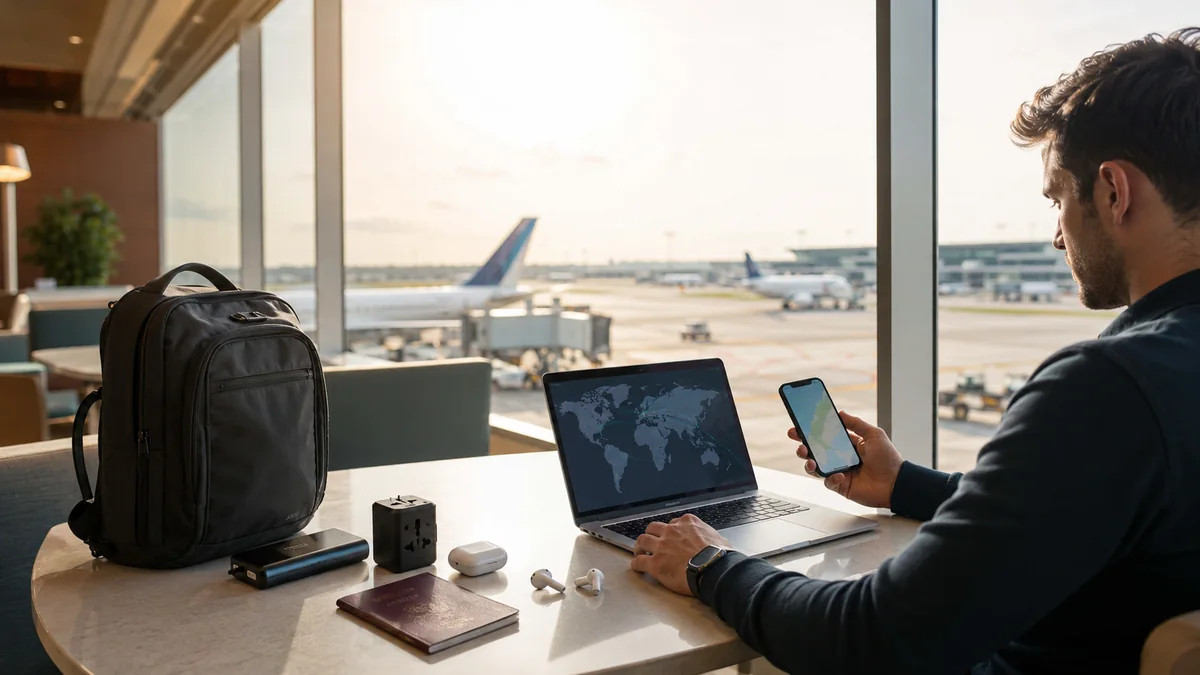
The travel tools that helped me most were surprisingly simple: a good flight search tool, offline maps, an itinerary planner, translation, mobile data, and a few reliable backups.
It took me a while to figure that out.
Before some trips, I filled my phone with anything that looked useful. I had flight apps, hotel apps, maps, itinerary planners, currency converters, restaurant lists, weather apps, and tools I forgot about before the trip even started.
It looked organized.
It wasn’t.
Once I was actually traveling, I kept returning to the same handful of tools. Google Maps mattered when I came out of a station through the wrong exit. A currency converter helped when unfamiliar prices made no sense at first glance. Offline translation suddenly became valuable when mobile data stopped cooperating.
That changed how I thought about travel tools.
I stopped asking, “What apps should I download?”
Instead, I asked:
What travel problem does this tool solve?
That simple question cleared a lot of clutter from both my phone and my bag.
This guide covers the travel planning tools, websites, apps, and a few physical essentials that earned their place in my routine. Some saved money. Some saved time. Others only became important when something went wrong.
What Are Travel Tools?
Travel tools are apps, websites, services, and practical items that make planning and taking a trip easier.
They can help with:
- researching destinations
- comparing flights
- finding accommodation
- building an itinerary
- navigating unfamiliar streets
- understanding public transportation
- converting currencies
- translating languages
- getting mobile internet
- tracking expenses
- storing travel documents
- accessing information offline
- handling flight disruptions
- keeping a phone charged
- tracking checked luggage
Not every traveler needs every tool.
That became one of the main lessons for me.
A two-day city break needed a very different setup from a longer international trip involving several hotels, flights, trains, and currencies.
My Most Useful Travel Tools at a Glance
| Travel tool | Best for | When I used it |
|---|---|---|
| Google Flights | Comparing fares and dates | Before booking |
| Skyscanner | Broad flight research | Early planning |
| Wanderlog | Building an itinerary | Before the trip |
| TripIt | Organizing reservations | After booking |
| Google Maps | Navigation and saved places | Before and during travel |
| Rome2Rio | Comparing transport options | Route planning |
| Local transit apps | Metro, buses and trains | At the destination |
| Currency converter | Understanding prices | International travel |
| Splitwise | Sharing expenses | Group trips |
| Google Translate | Language help | International travel |
| eSIM or local SIM | Mobile internet | International travel |
| Cloud storage | Document backups | Before departure |
| Luggage tracker | Checked-bag tracking | Flights |
| Power bank | Keeping my phone charged | Long days out |
| Universal adapter | Charging abroad | International travel |
The biggest improvement came when I stopped trying to use all of them.
I picked one useful tool for each problem and ignored the rest.
Travel Tools for Finding Flights Without Opening 20 Tabs
Flight research used to be one of the easiest ways for me to lose an hour.
I checked one date.
Then another date.
Then a nearby airport.
Then another website showed a cheaper fare.
Then I discovered the cheaper ticket did not include a checked bag.
Eventually, I simplified the process.
Google Flights
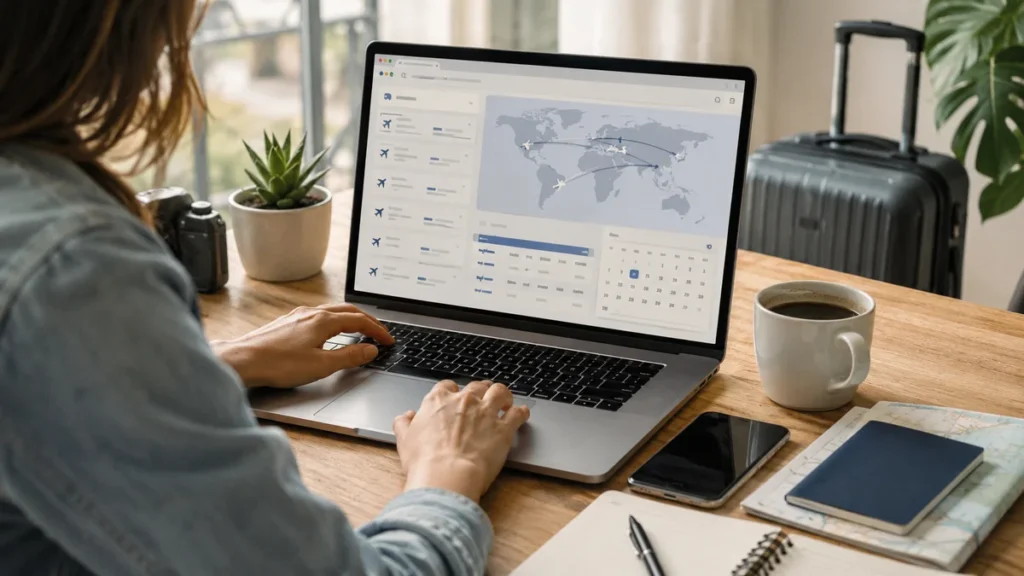
Google Flights became my main starting point when my travel dates were flexible.
Instead of becoming attached to one departure day, I compared nearby dates first. Sometimes moving the trip by a day made more difference than searching another ten booking sites.
I also looked beyond the fare itself.
The cheapest flight was not always the cheapest trip.
I checked:
- baggage allowance
- departure time
- arrival time
- length of connections
- airport location
- transfer cost
- cancellation rules
A flight that saved a small amount of money could mean arriving late at night, paying for an expensive taxi, or spending half a day on a bad connection.
For current fares and route research, I used the official Google Flights site.
Skyscanner
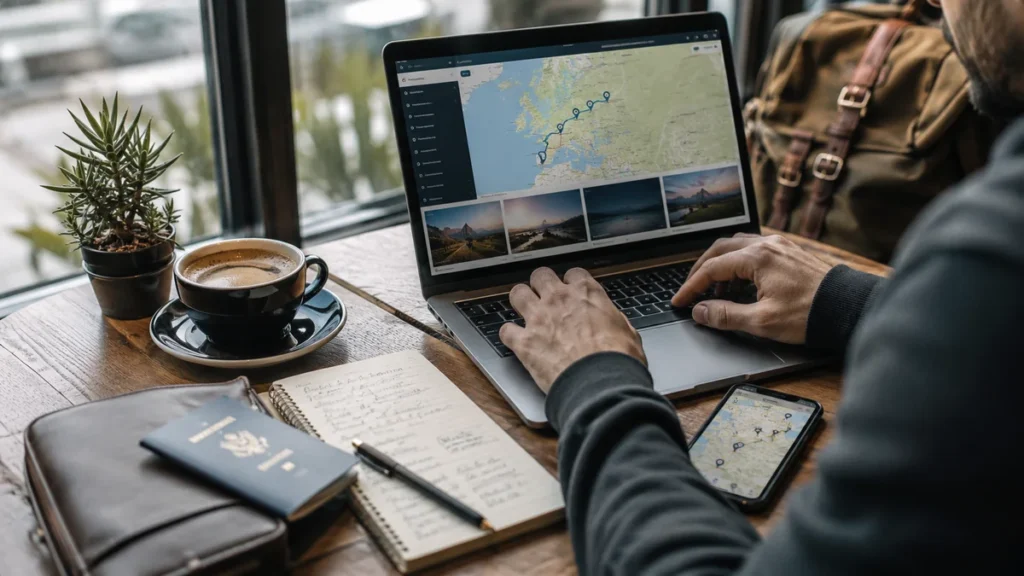
Skyscanner was more useful to me during broad research.
If the destination, dates, or route were still flexible, I used flight-search tools to understand the possibilities before getting serious about booking.
My process became:
Search broadly → compare dates → choose the likely route → check the airline directly → book
The airline check mattered.
Before paying, I wanted to see the baggage rules and ticket conditions from the company actually operating the flight.
That extra step prevented some tempting fares from looking quite so tempting.
Travel Tools for Planning an Itinerary
My first detailed itineraries looked impressive on a screen.
They were terrible to travel with.
Breakfast at 8:00.
Museum at 9:15.
Lunch at 12:00.
Another attraction at 1:30.
Sunset viewpoint at exactly the right moment.
Then normal travel happened.
A meal took longer. A train ran late. I got tired. A side street looked more interesting than the next scheduled attraction.
I stopped trying to plan every hour.
The itinerary became a framework instead.
Wanderlog

Wanderlog made the most sense when I wanted to build the trip around actual locations.
The map mattered more to me than having another list.
Before using maps properly, I sometimes grouped attractions because they sounded as though they belonged together.
Then I checked their locations.
They were nowhere near each other.
My planning became much simpler:
- Save everything that looks interesting.
- See where those places are on the map.
- Group nearby stops.
- Build each day around one area.
- Leave space for something unplanned.
That final step made trips noticeably better.
An itinerary should stop you from wasting time crossing a city unnecessarily. It does not need to decide what you do every 20 minutes.
TripIt

TripIt solved a different problem.
Once I had flights, hotels, trains, and activities booked, confirmation emails started piling up.
Instead of treating it as another trip-planning app, I thought of TripIt as a place for organizing things that were already confirmed.
That distinction helped:
| Tool | Best use |
| Wanderlog | Building the itinerary |
| TripIt | Organizing reservations |
| Google Maps | Saving places and navigating |
For a simple weekend trip, I often needed far less.
A saved map and a basic note could do the job.
More tools did not automatically mean better planning.
Travel Tools for Choosing Accommodation
I made one accommodation mistake often enough to learn from it.
I focused too heavily on room price.
A cheaper hotel stopped looking cheap after I spent extra time and money getting into the part of the city I actually wanted to explore.
Location became part of the price.
What I Checked Before Booking
I usually looked at:
- location
- nearby public transportation
- walking distance
- recent reviews
- total price
- cancellation conditions
- late arrival options
Recent reviews often told me more than professional photographs.
Small comments were especially useful.
“Busy road outside.”
“Five floors with no elevator.”
“Station entrance two minutes away.”
“Quiet at night.”
Those details had a real effect on the stay.
Hotel vs Hostel Search
Hostels needed a slightly different review check.
I cared about:
- lockers
- dorm noise
- curtains around beds
- common areas
- kitchen facilities
- late check-in
- neighborhood after dark
A hostel described as “very social” sounded attractive until I realized that “social” could also mean very little sleep.
The overall rating never told the whole story.
Google Maps Became My Most-Used Travel Tool
If I had to choose the travel tool I opened most often after arriving, Google Maps usually won.
I used it for much more than directions.
I saved:
- my hotel
- train stations
- restaurants
- cafés
- viewpoints
- museums
- supermarkets
- pharmacies
- places I wanted to photograph
At first, I saved far too much.
My map became covered with pins until the pins stopped being helpful.
I became more selective.
Saving Places Changed How I Explored
A saved map gave me flexibility that a long itinerary could not.
If I finished somewhere early, I opened the map and looked at what I had already saved nearby.
Maybe there was a café five minutes away.
Maybe a viewpoint was around the corner.
Maybe the next attraction made more sense tomorrow.
That felt much better than repeatedly searching “things to do near me.”
Download Maps Before You Need Them
Offline maps became part of my pre-trip routine.
Google Maps supports downloading map areas for offline use, although some functionality can be more limited offline. Google’s official offline Maps instructions explain how to prepare an area before losing connectivity.
My rule became simple:
Download the map while the Wi-Fi works.
Trying to solve that problem after leaving the station with a weak signal was already too late.
Travel Tools for Trains, Buses and Moving Between Cities
Knowing where I wanted to go was one problem.
Working out how to get there was another.
Rome2Rio
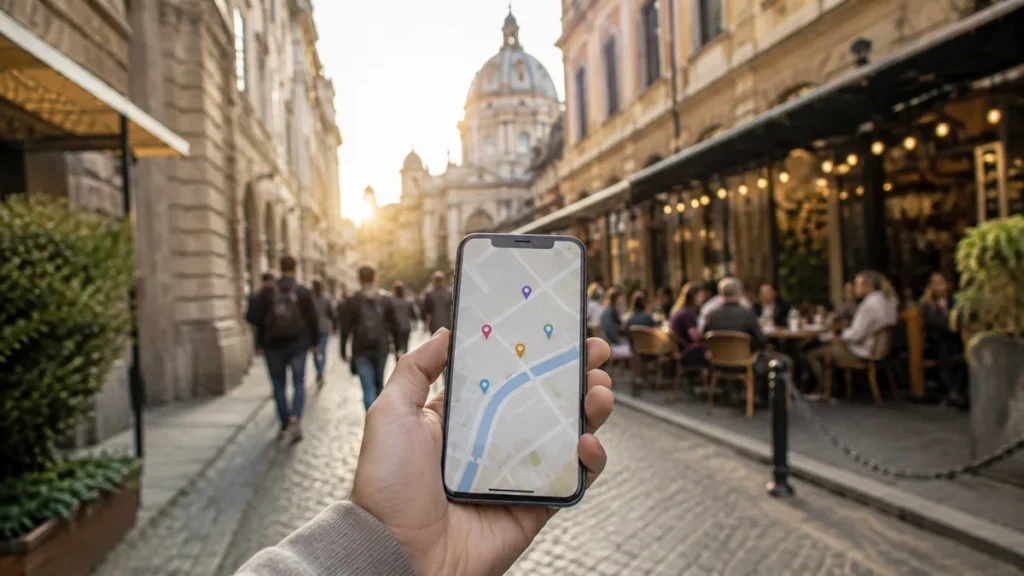
Rome2Rio became useful early in the transport-planning process.
I mainly wanted it to answer:
What options exist between these two places?
Train?
Bus?
Ferry?
Flight?
Car?
Once I understood the basic route, I checked schedules and tickets more closely with the actual transport operator.
That distinction was important.
A planning tool helped me discover the route.
The operator helped me confirm it.
Local Transit Apps

I used to overlook official local transit apps.
That was a mistake.
Once I arrived, they could become more useful than large global travel platforms.
Depending on the destination, a local app could provide:
- metro maps
- train schedules
- bus arrivals
- route changes
- service disruptions
- ticket information

Before spending several days in a city, I checked whether its transport authority had a useful official app.
That five-minute check often paid off.
Travel Tools for Currency and Spending
Foreign currency felt easy until I arrived somewhere with prices I could not convert quickly in my head.
A menu might show 80,000.
Was that cheap?
Expensive?
Normal?
For the first day or two, I had no instinct for it.
Currency Converter
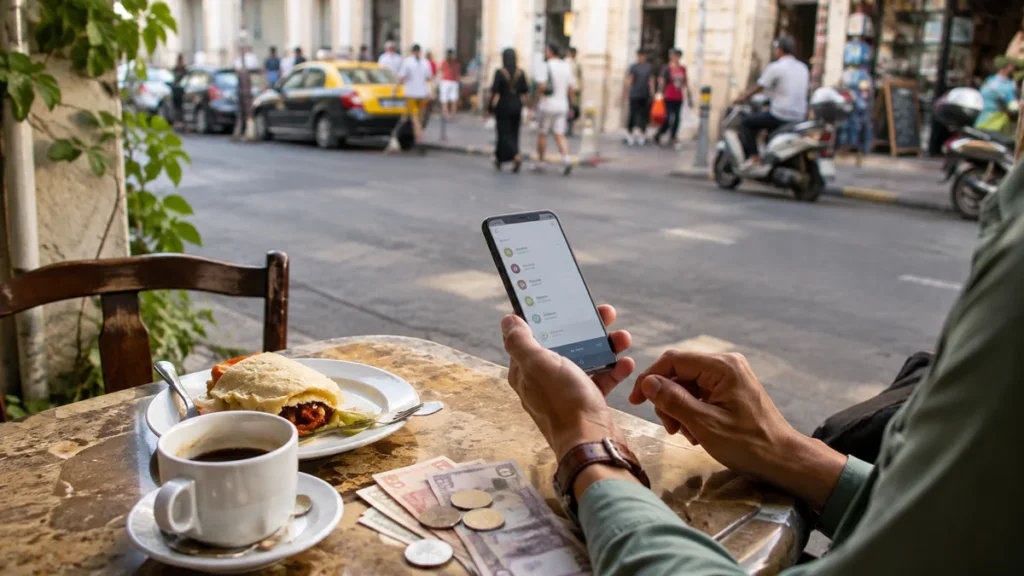
A currency converter fixed that quickly.
I used it regularly during the first couple of days and then developed a rough mental shortcut.
I did not need perfect conversion every time.
Knowing whether something was roughly $5, $20, or $50 was enough.
After that, I spent much less time standing in shops staring at my phone.
Expense Tracking
I experimented with tracking every purchase.
It became annoying quickly.
Recording every coffee and bottle of water made the trip feel too much like bookkeeping.
A lighter approach worked better.
For the first few days, I tracked enough spending to see where the money was going:
- accommodation
- food
- transportation
- attractions
- small daily purchases
Once I understood the pattern, I stopped obsessing over individual expenses.
Splitwise for Group Trips
Group travel created a different problem.
One person paid for dinner.
Someone else bought the train tickets.
Another person paid for a ride.
A few days later, nobody remembered who owed what.
That was the kind of situation where an expense-sharing tool such as Splitwise became genuinely useful.
For a one-night trip, it felt unnecessary.
For a longer group trip, it removed a lot of awkward mental accounting.
Translation Tools Helped With Small Problems, Not Big Conversations
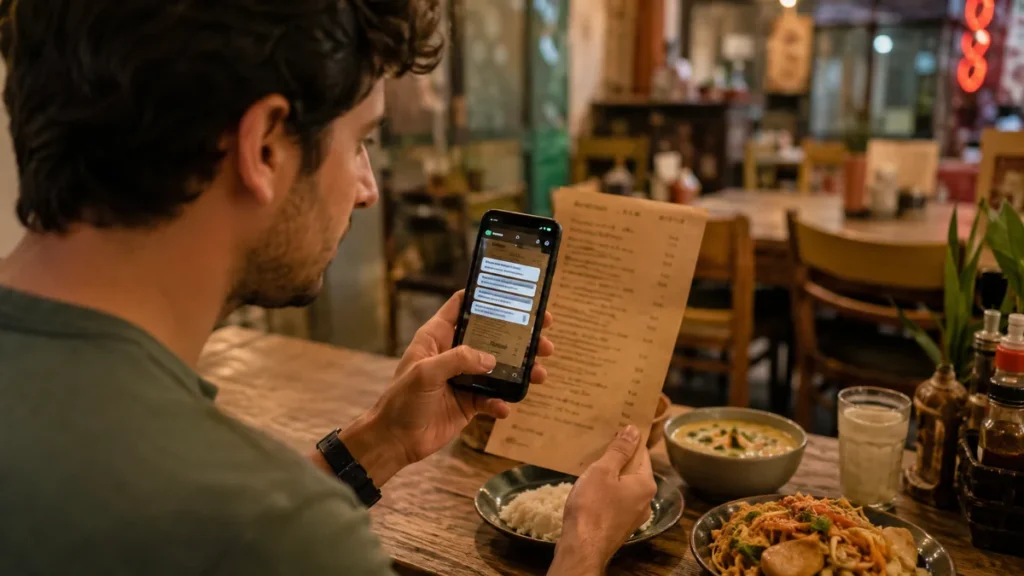
Language barriers rarely appeared as dramatic emergencies.
They appeared in ordinary moments.
A menu.
A sign.
A ticket machine.
A pharmacy label.
A short question in a shop.
Google Translate
Google Translate became one of my basic international travel tools because those small situations happened constantly.
Simple sentences worked best.
Instead of typing a long explanation, I broke the question into smaller parts.
I also prepared the app before the trip. Google lets users download supported languages for offline use, which can help when an internet connection is unavailable. Its official offline translation guide explains the process.
Again, the important part was doing it before I needed it.
I Still Learned the Basics
Having translation on my phone did not stop me from learning a few words.
Hello.
Please.
Thank you.
Excuse me.
Yes.
No.
Those tiny efforts often made interactions feel warmer.
The phone handled the sentences I could not.
Mobile Data Was the Tool Behind Almost Everything Else

Many travel tools depended on one invisible thing:
internet access.
Without mobile data:
- maps became more limited
- ride-hailing became difficult
- transport research slowed down
- messages stopped arriving
- reservations became harder to retrieve
That made reliable mobile internet much more useful than some clever travel gadgets.
eSIM or Local SIM
I checked connectivity before leaving home.
My questions were simple:
- Does my phone support eSIM?
- What is the coverage like?
- How much data do I need?
- How long is the trip?
- Do I need a local phone number?
- Can I use a hotspot?
I stopped choosing by price alone.
Cheap data was not useful if the coverage was poor where I actually needed it.
Offline Travel Tools Became My Backup Plan
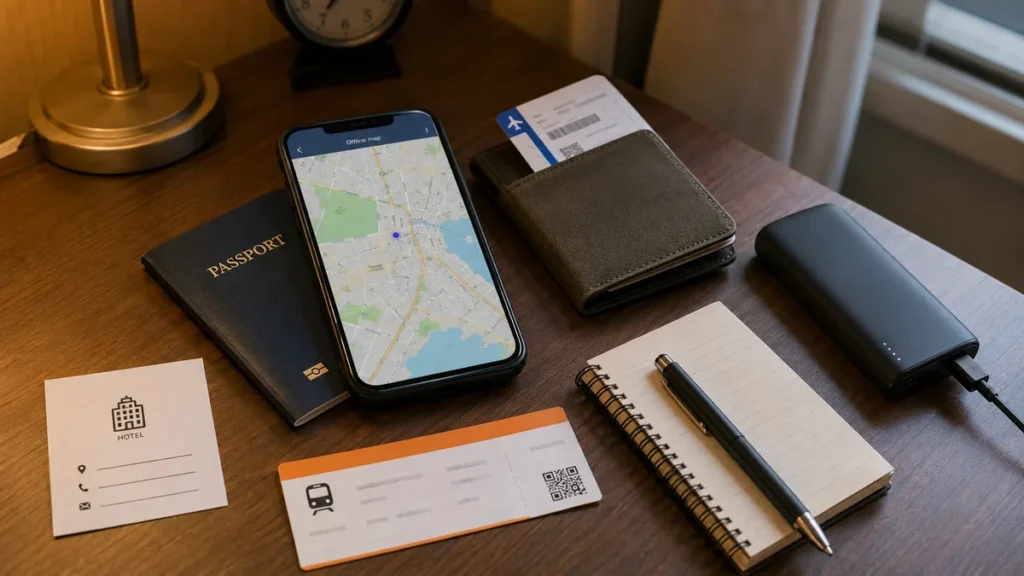
The best backup travel system I created was not complicated.
It was mostly downloads and screenshots.
| Information I needed | Offline backup |
| Map | Downloaded map area |
| Hotel | Screenshot of address |
| Flight | Saved boarding pass |
| Train | Downloaded ticket |
| Language | Downloaded translation pack |
| Passport | Secure digital copy |
| Insurance | Saved policy details |
| Emergency numbers | Saved locally |
| Itinerary | Offline copy |
Screenshots looked almost silly compared with sophisticated travel apps.
They were also extremely reliable.
A screenshot did not need Wi-Fi.
It did not need a password.
It did not care whether an app was having a bad day.
Sometimes the simplest travel tool was the best one.
Travel Tools for Documents and Safety
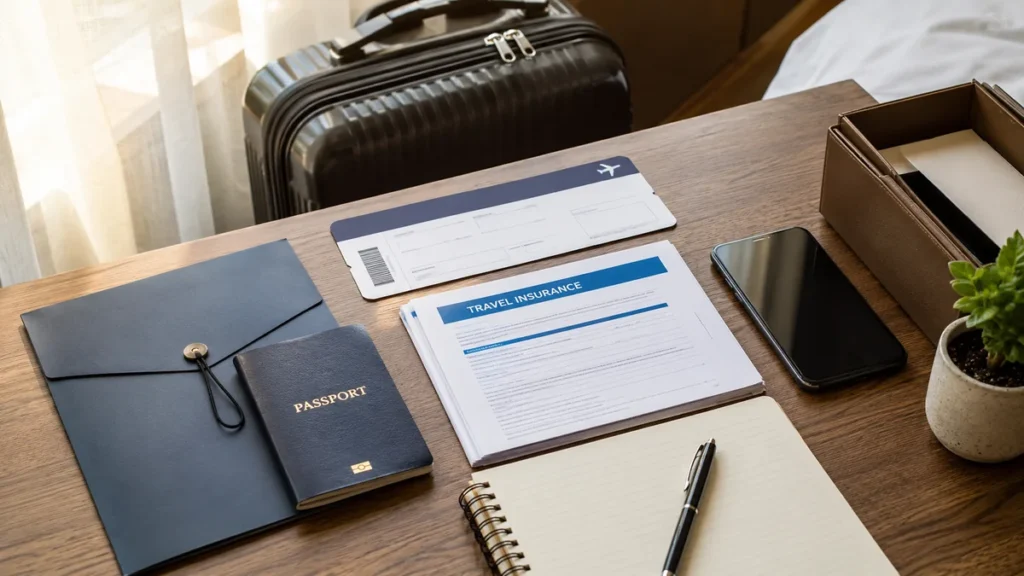
This was the boring part of travel preparation.
It was also the part I least wanted to improvise after something went wrong.
Keep Backups of Important Documents
I kept secure digital copies of:
- passport information
- visa documents
- travel insurance
- hotel bookings
- transport confirmations
- important contact information
I did not keep everything dependent on one email inbox or one internet connection.
Use Official Sources for Important Rules
Travel blogs were useful for learning what a destination felt like.
They were not where I wanted to confirm critical entry or safety information.
For international travel, the U.S. State Department International Travel Checklist covers areas including documents, destination information, travel advisories, safety planning, and insurance.
For information that could affect whether I entered a country or stayed safe, I checked official sources close to departure.
That included:
- passport rules
- visa requirements
- entry requirements
- travel advisories
- local laws
- emergency information
This was one place where an old blog post was never enough.
Flight-Disruption Tools Mattered When the Nice Plan Fell Apart

Travel-tool lists often focus on planning a smooth trip.
The stressful moments mattered more.
A delayed flight could destroy a carefully planned connection in minutes.
Before important travel days, I kept:
- the airline app installed
- booking reference saved
- flight number available
- boarding pass stored offline
- important airport details accessible
For flights involving the United States, the Department of Transportation maintains an Airline Cancellation and Delay Dashboard with information about major U.S. airline commitments during controllable disruptions.
This type of resource looked boring until the moment it became useful.
A lot of good travel tools were like that.
Physical Travel Tools That Actually Earned Space in My Bag
Digital tools were easy to add.
Physical tools had to justify their weight.
I became much stricter about what made it into my bag.
Power Bank

A power bank was easy to justify.
My phone handled:
- maps
- reservations
- tickets
- translation
- communication
- photos
- payments
A dead phone created several problems at once.
I preferred something compact enough to carry during the day rather than an enormous battery that stayed back at the hotel.
There was one obvious mistake I still made occasionally:
I forgot to charge the power bank.
A dead backup battery was nothing more than extra luggage.
Universal Travel Adapter

A travel adapter also earned its place on international trips.
I checked:
- destination plug type
- number of devices
- USB-C needs
- voltage compatibility
One detail was important: a plug adapter changes how a plug connects to an outlet; it does not automatically convert voltage.
I checked the voltage requirements of my electronics before plugging them in abroad.
Luggage Tracker
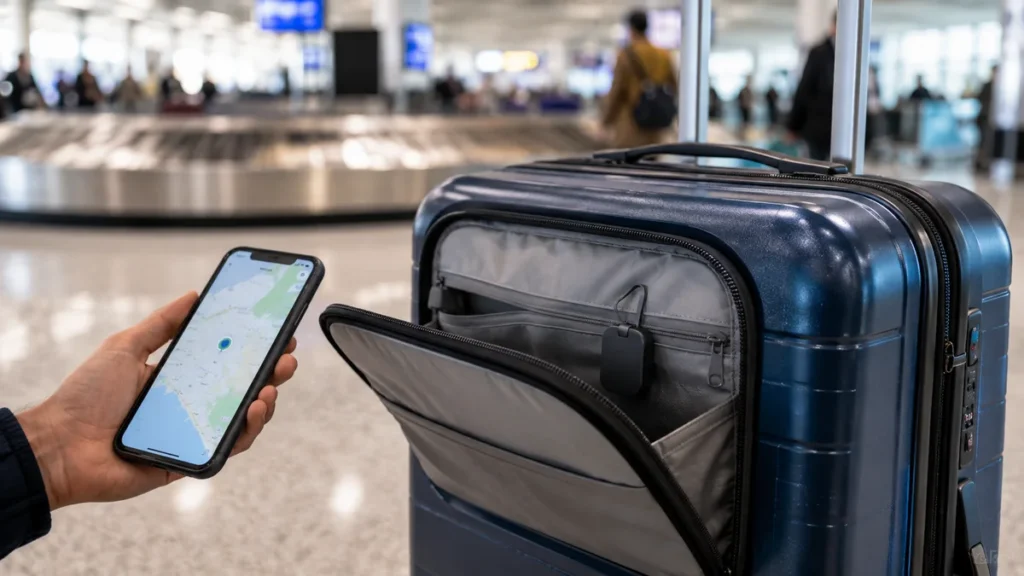
A luggage tracker made more sense when I checked a bag.
It gave me another piece of information if the bag did not appear where expected.
I treated it as a backup, not a replacement for the airline’s baggage system.
For carry-on-only trips, it mattered much less.
That became my rule for physical travel tools:
Does this solve a real problem on this trip?
If not, it stayed home.
Free vs Paid Travel Tools: What Was Worth Paying For?
Most of my basic travel-planning needs did not require subscriptions.
| Need | Were free tools usually enough? | When paying made sense |
| Flight research | Yes | Rarely |
| Maps | Yes | Specialist outdoor use |
| Translation | Yes | Advanced language needs |
| Itinerary planning | Usually | Complex or collaborative trips |
| Currency conversion | Yes | Rarely |
| Expense tracking | Usually | Advanced features |
| Mobile internet | No | International connectivity |
| Luggage tracking | No | Requires hardware |
| Charging | No | Requires physical equipment |
I became especially careful with overlapping paid tools.
If two apps solved almost the same problem, I kept whichever was easier to use.
The other one disappeared.
Where AI Fit Into My Travel Planning
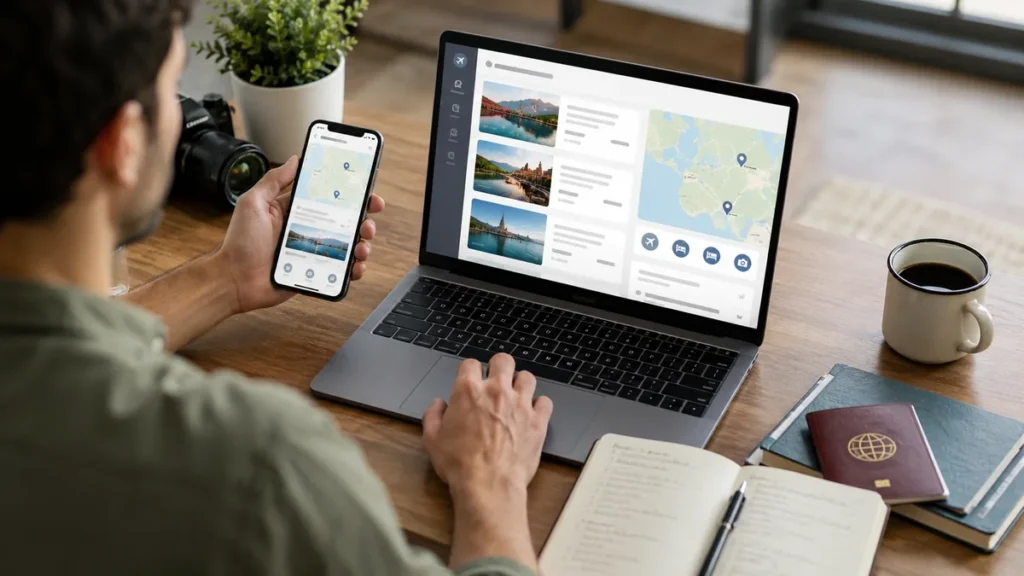
AI became useful when I stopped expecting it to plan the entire trip perfectly.
I got more value from giving it smaller jobs.
I used AI-style planning for things such as:
- brainstorming destinations
- comparing neighborhoods
- simplifying an itinerary
- creating a packing checklist
- identifying questions I had forgotten
- organizing travel notes
- deciding whether a day looked too full
The important part came after the answer.
I verified anything time-sensitive.
That included:
- opening hours
- prices
- train schedules
- visa requirements
- entry rules
- closures
- ticket availability
AI helped organize travel research.
It did not replace live or official information.
That distinction became even more important as AI travel-planning tools became more common. Recent travel coverage shows AI becoming more deeply integrated into trip research and booking, but human verification still matters for real-world details.
Which Travel Tools Do You Actually Need?
Probably fewer than most articles suggest.
For an average international trip, my setup became fairly simple.
Before the Trip
Google Flights
For comparing airfare and dates.
One accommodation platform
For comparing properties and neighborhoods.
One itinerary tool
For organizing plans.
Google Maps
For saving locations.
During the Trip
Google Maps
For navigation.
Local transport app or route planner
For trains, buses, and metro.
Currency converter
For understanding prices.
Google Translate
For language gaps.
eSIM or local SIM
For mobile data.
For Backup
Secure document storage
For copies of important information.
Offline screenshots
For tickets, addresses, and confirmations.
Power bank
For long days.
Travel adapter
For international charging.
Luggage tracker
When checking baggage.
That covered most of the problems I actually faced.
I did not need 30 apps.
My Night-Before Travel Check
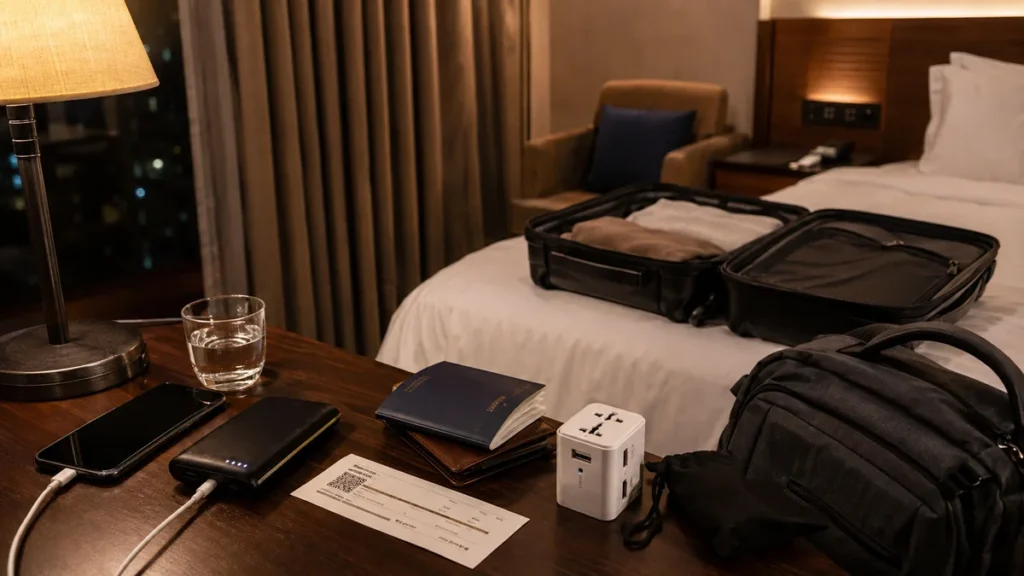
The evening before changing cities, catching a flight, or taking a long train journey, I checked the same things.
- map downloaded
- hotel saved
- station or airport pinned
- ticket downloaded
- boarding pass available offline
- route after arrival understood
- mobile data ready
- phone charged
- power bank charged
- important documents accessible
- destination currency roughly understood
It only took a few minutes.
It made arrival much calmer.
There was a big difference between walking out of a station already knowing which direction to go and standing near the exit with luggage while waiting for a map to load.
Travel Tools I Stopped Using
One of the most useful things I did was delete travel tools.
I stopped installing multiple apps that performed the same job.
I stopped planning every hour.
I stopped saving dozens of restaurants for a trip that lasted four days.
I also stopped believing every “must-have travel gadget” video I saw.
Some products looked brilliant at home and stayed untouched at the bottom of the bag for the entire trip.
If something did not solve a repeated problem, I stopped carrying it.
My phone became cleaner.
My bag became lighter.
Travel planning became easier.
Final Thoughts on Travel Tools
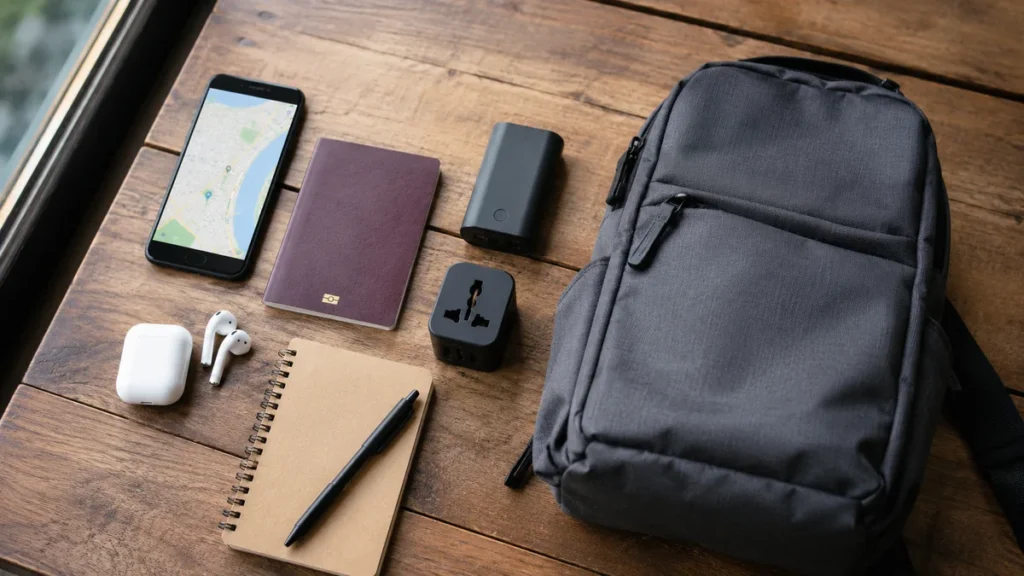
The best travel tools did not make trips perfect.
Flights still changed.
Trains ran late.
Rain appeared.
Restaurants closed.
I still took wrong turns.
The point was never to remove every surprise.
The useful tools simply made those surprises easier to deal with.
For most trips, I got the greatest value from a small setup: flight research, offline maps, one itinerary planner, transport information, a currency converter, translation, reliable mobile data, document backups, a power bank, and a travel adapter.
Everything else depended on the destination.
Now, whenever I see another list of 50 “essential” travel apps, I ask one question:
What problem will this actually solve on my trip?
If I cannot answer that clearly, I probably do not need it.
FAQs About Travel Tools
What are travel tools?
Travel tools are apps, websites, services, and physical items that help with researching, planning, organizing, booking, navigating, communicating, budgeting, and solving practical problems during a trip.
What are the most useful travel tools?
The most useful categories for me were flight search, maps, itinerary planning, transportation, currency conversion, translation, mobile data, document backups, and charging. Google Maps became one of the tools I used most once a trip started.
What travel apps should I download before an international trip?
I focused on maps, translation, currency conversion, transportation, itinerary organization, messaging, and mobile connectivity. I also checked whether the destination had an official local public-transport app.
What is the best travel planning tool?
There is no single tool that handles every stage equally well. Itinerary planners such as Wanderlog are useful for arranging places and days. TripIt focuses more on organizing reservations. Google Maps works better for saving places and navigating once you arrive.
Which travel tools work offline?
Downloaded maps, offline language packs, saved boarding passes, downloaded tickets, screenshots, and locally stored itinerary information can all reduce dependence on mobile data. I prepared the important ones before leaving reliable internet.
Are paid travel apps worth it?
Sometimes, but most basic flight research, navigation, translation, currency conversion, and simple itinerary planning can be done with free tools. I paid only when the paid version solved a clear problem I had repeatedly.
How many travel apps do I really need?
For most trips, one useful tool for each major need worked better than several overlapping apps. Around six to ten core digital tools covered most of my planning and travel needs.
What is the most important travel tool?
My smartphone became the center of my travel setup because it handled maps, tickets, bookings, translation, communication, research, and sometimes payments. That made mobile data, battery power, and offline backups especially important.